
Take Action Network – Sign up for the 2026 Legislative Session
Please Join thousands of Indivisibles around the state in Lobbying our State Legislators. Help us ensure that good bills move forward and bad bills get no oxygen by signing up for Take Action Network (TAN). Four features will make taking action a pleasure for you.
- You’ll only be asked to email your legislators when they are in the position to vote on a particular bill.
- With one click, a pre-filled email will be created for you that you can quickly customize and send.
- You’ll see how many others around the state are taking each action and when you click “Marked as done” you’ll encourage others to act by adding to that count. (Last legislative session members reported using Take Action Network (TAN) to take over 54,000 Actions!)
- You can share any action with others simply by copying its address from the browser address bar.
Because of this very targeted approach and the short session, most of these actions will NOT appear in the Weekly Actions and Events email and will ONLY be available to those who have taken the step to sign up for TAN. Click the image to get started!
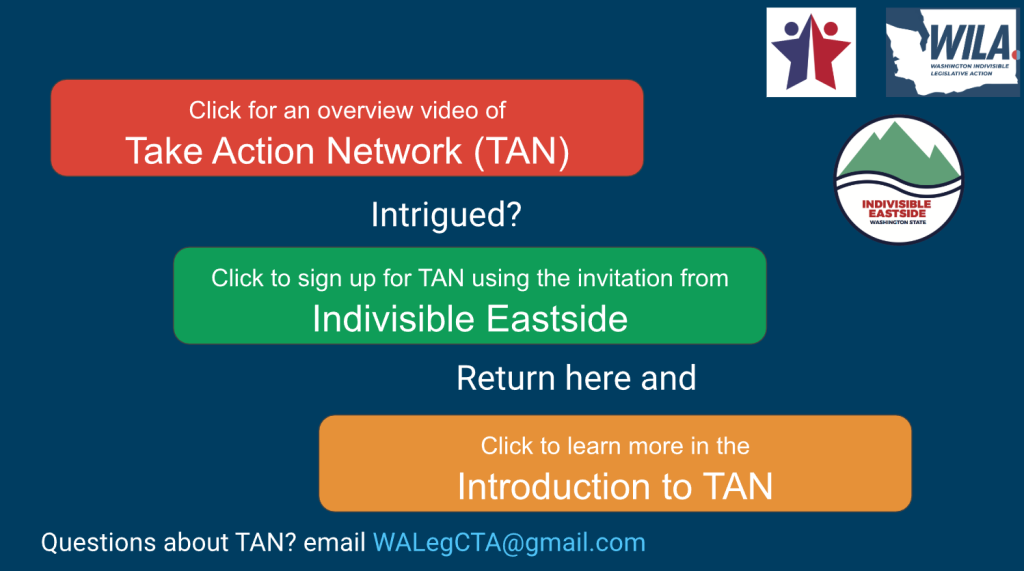
25 Washington Indivisible Legislative Action (WILA) Bill trackers from 13 Indivisible groups are working hard to choose strategic times to issue Calls to Action, and constituents are KEY. See how easy it is to take action by reviewing the WA Indivisible Legislative Actions (January 12 – March 12, 2026) and the actions from Indivisible Eastside, do them if you haven’t already, and click “Mark and done”. Share TAN with others – send them a link to this page! http://indivisibleeastside.com/tan-signup-resource/
TAN Emails
Once you’re signed up with TAN you’ll receive 1 email per day with suggested actions. You can also create Search Alerts and any results will be added to that daily email. (see 4th video HERE) If you’re a lapsed TAN user take THIS Action to make sure TAN emails are not going to your SPAM folder.
- When you receive an email from info@takeaction.network, Click each action and do it. It will take about 2 minutes per action.
- Don’t forget to click “Mark as done” to let our bill trackers know (if you don’t see it, you’re not signed in)!
Controlling Email:
- To turn ON or OFF your Suggested Actions email (Daily Dashboard) go to Email Settings and check or un-check the “send me my personal daily dashboard”
- To turn ON or OFF your Search Alerts (results of saved searches with the bell icon turned on) go to Email Settings and check or un-check the “Send me emails for searches that I have set notifications on.”